

OFFNOVA 1080P PTZ Webcam with Remote Control, AI Auto Tracking Computer Camera with Microphone for Calls/Conference/Streaming, YouTube/Zoom/Skype
Your Lease Ownership Plan
est. $4 /week*
77.987
Get it now and rent as you go. The item is yours after renting for 12 months or buyout early anytime. No down payment, no commitment and return/cancel anytime.
Rental Payment / 2 weeks: est. $7.50*
All lease payments apply to the ownership cost.
Ownership Options & Cost (before tax)
100-Day Price: $77.99*
Lease-to-Own: 26 bi-weekly payments over 12 months.
Early Buyout Price: After 100 days, buyout with a one-time payment of 50% of your remaining ownership balance.

DELIVER TO YOUR DOOR OR IN-STORE PICKUP*

LEASE TO OWN WITH NO CREDIT NEEDED*
- Details
- Reviews (0)
- Q & A
Description
Product Description
With no extra software installed, training, or maintenance required, launching a video meeting has never been easier. Simply plug the Connect into your pc, mac, or laptop, it will work as both a webcam and an audio device with your video conferencing software. This web camera delivers remarkably crisp full HD video 1080p at 30fps and 90° field of view. Built in dual mic on both sides of the camera, it captures more realistic sound from a broader range of angles, and your voice will come through sounding natural and clear in conference calls, say bye-bye to headsets that messes up your neck, and hello to this smart webcam.
Easy to Operate
- Windows, Mac? Plug it in and you’re good to go.
- Manual or auto? Either way makes it easy to set the perfect angle on the scene.
- Switching from laptop to desktop? No problem with the universal clip and tripod.
|
|
|
|
|---|---|---|
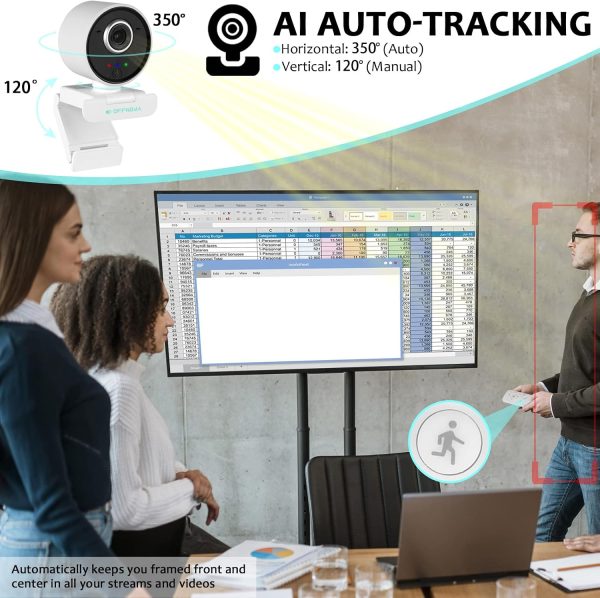
Auto TrackingThis web camera provides you with the flexibility to leave the seat or walk around the room to interact with people or objects, it will automatically follow your moving direction to ensure you are always in the video. The auto-tracking can be turned off at any time if you want to stay at a fixed angle. |
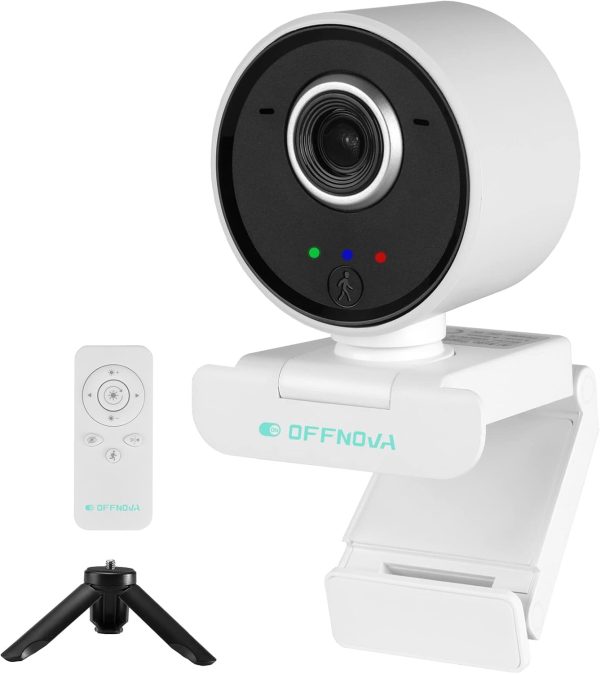
Remote ControlControl your video calls with a remote so even away from the desk you are still in charge.You can turn on the auto tracking and privacy masking, adjust the brightness, rotate the cam side to side, mirror your image, and more. It makes things a lot more convenient for your use. |
Versatile SupportThe computer webcam supports various video/meeting software, so you can easily use it for online teaching, video conference, video call, game streaming, portrait collection, and many other fields. It’s everything you need to own your space and take your content to the next level. |
Multi-functional Webcam Detail
- 【AI Auto Tracking】Featuring 350° horizontal auto-rotation and 120° vertical manual rotation, this smart video webcam always shows your best angle. The auto mode keeps smooth face tracking and automatically keeps you framed front and center in all your streams and videos.
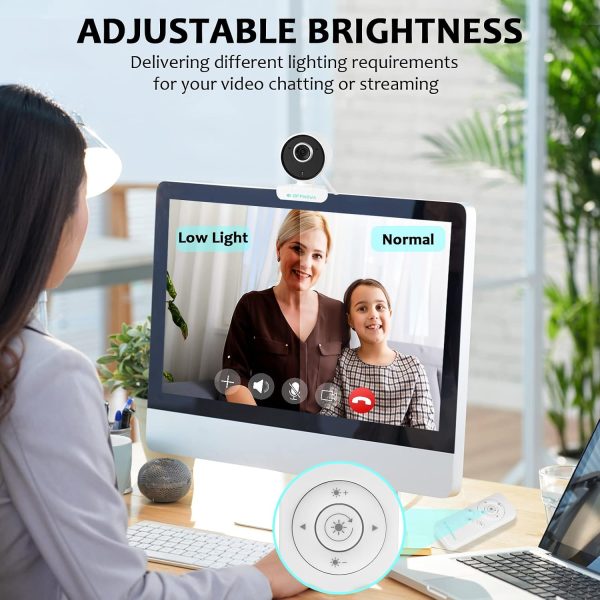
- 【High-Performance Adjustable Light】The computer webcam has a white balance function that can automatically adapt to over-exposed or over-dark environments. With the brightness adjustment button, you can adjust the brightness of lights at will. It always makes you look your best and presents a perfect live streaming effect in any lighting environment.
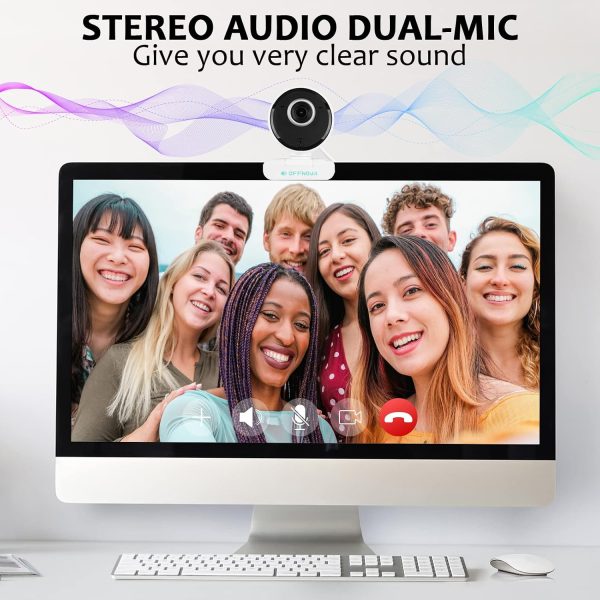
- 【Stereo Audio with Dual Mics】The built-in bidirectional microphone turns the sound purer and clearer, and pick up your voice clearly even at a distance of 16 ft, easy and perfect for recording, calling, conferencing, gaming.
- 【Privacy Masking & Tripod Included】The built-in privacy masking puts you in control of what you show and prevents criminals from utilizing your webcam while you are not using it. The adjustable mounting clip lets you attach the camera securely to your screen or laptop, or fold the clip and set the webcam on the universal tripod.
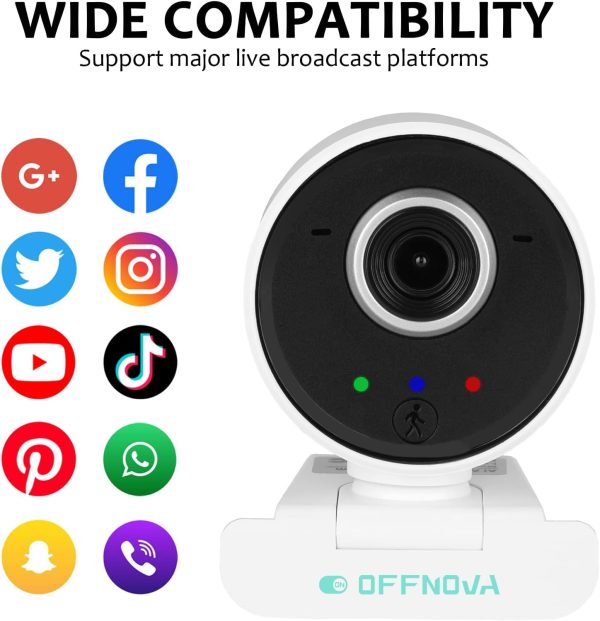
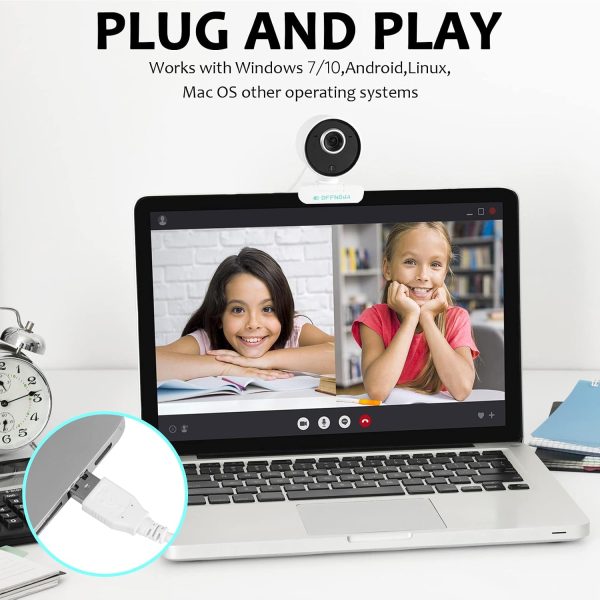
- 【Easy Setup & Wide Compatibility】With a USB connection and auto-recognition in only 10s, no driver is needed on your computer. Just plug it in and you’re good to go. Compatible with Windows 7/8/10 and above / Mac OS 10.6 or later / Chrome OS 29.0.1547 or later / Linux 2.6.24 or later / Android v5.0 and above, etc. Support most mainstream video applications, such as Skype, Zoom, YouTube, FaceTime, Facebook Live, OBS and more.
Only logged in customers who have purchased this product may leave a review.


Reviews
There are no reviews yet